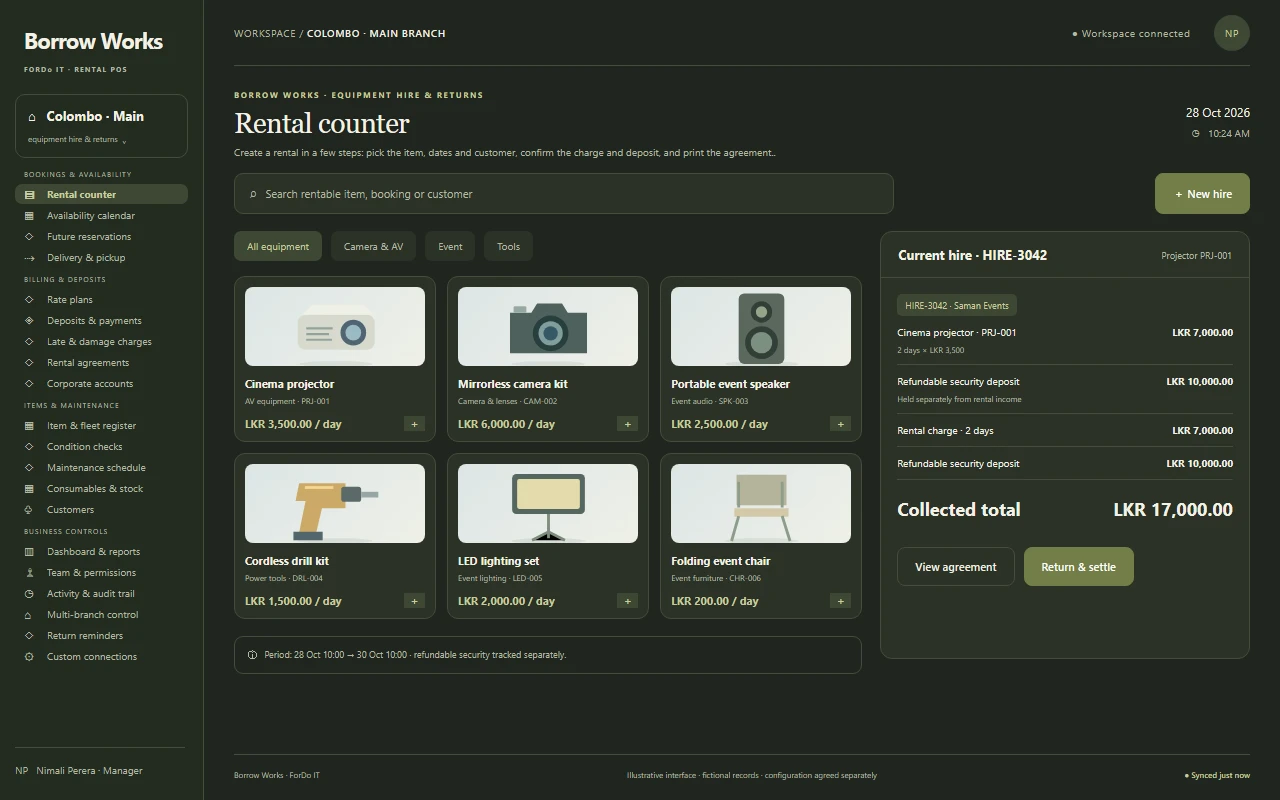
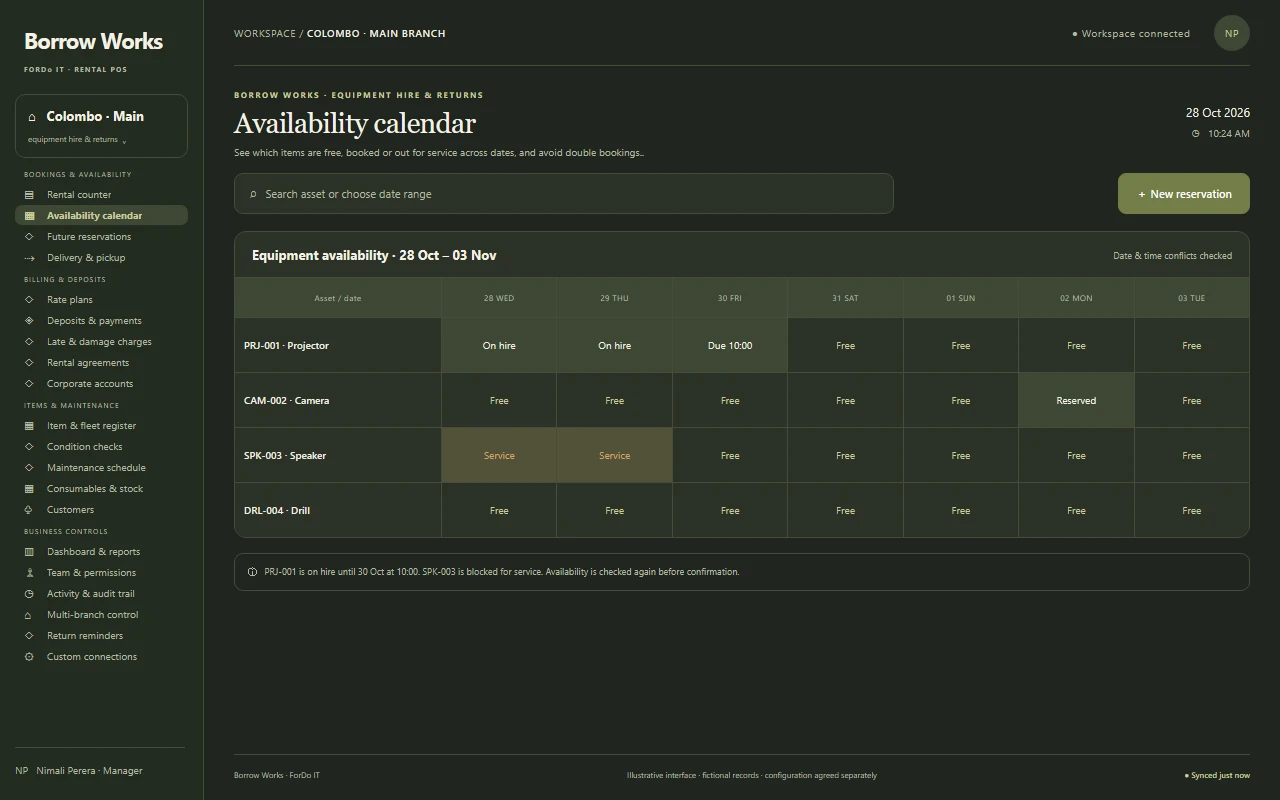
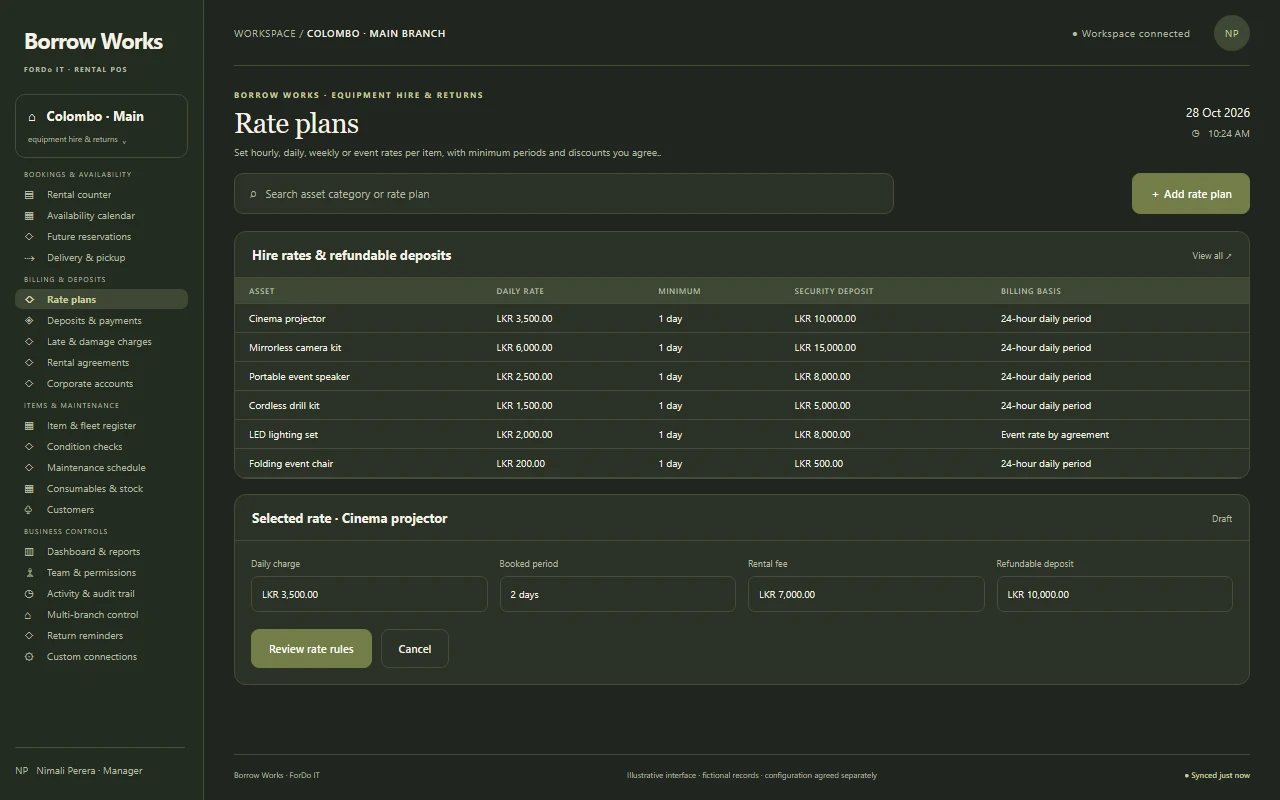
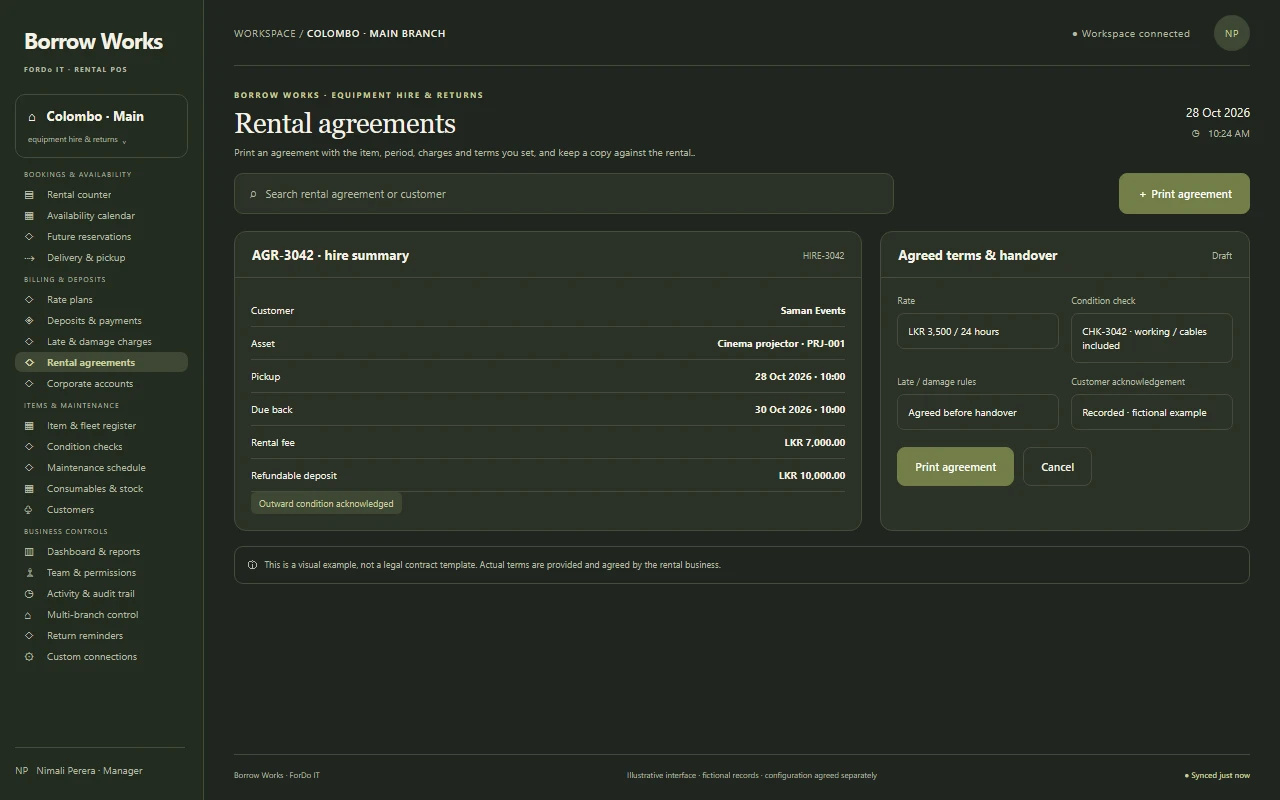
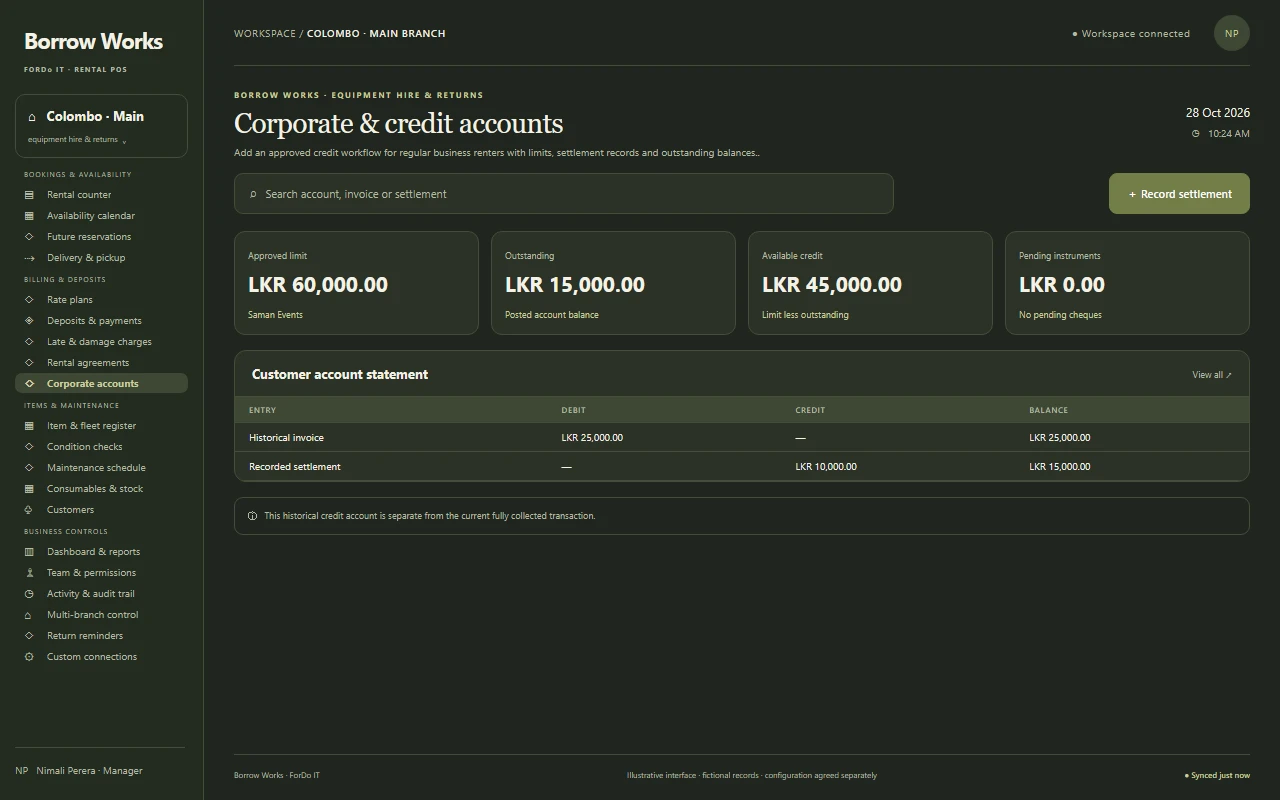
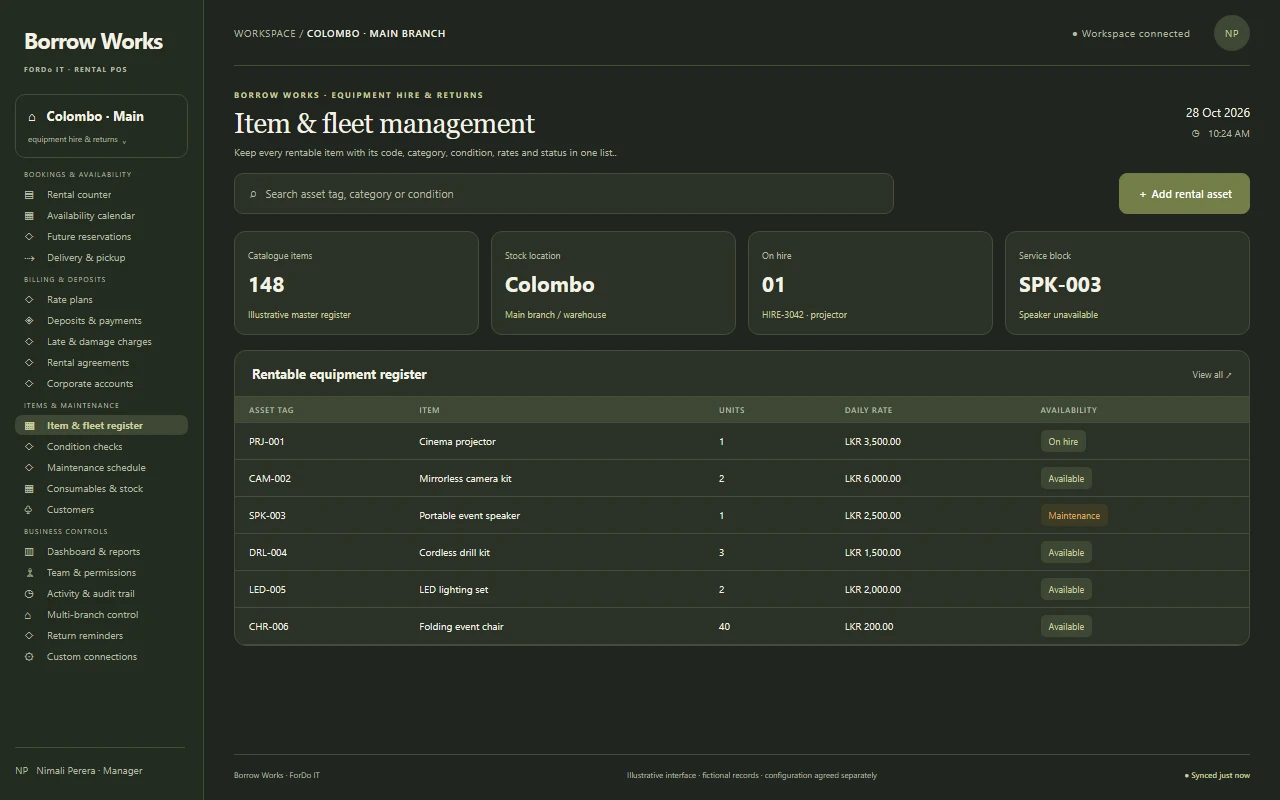
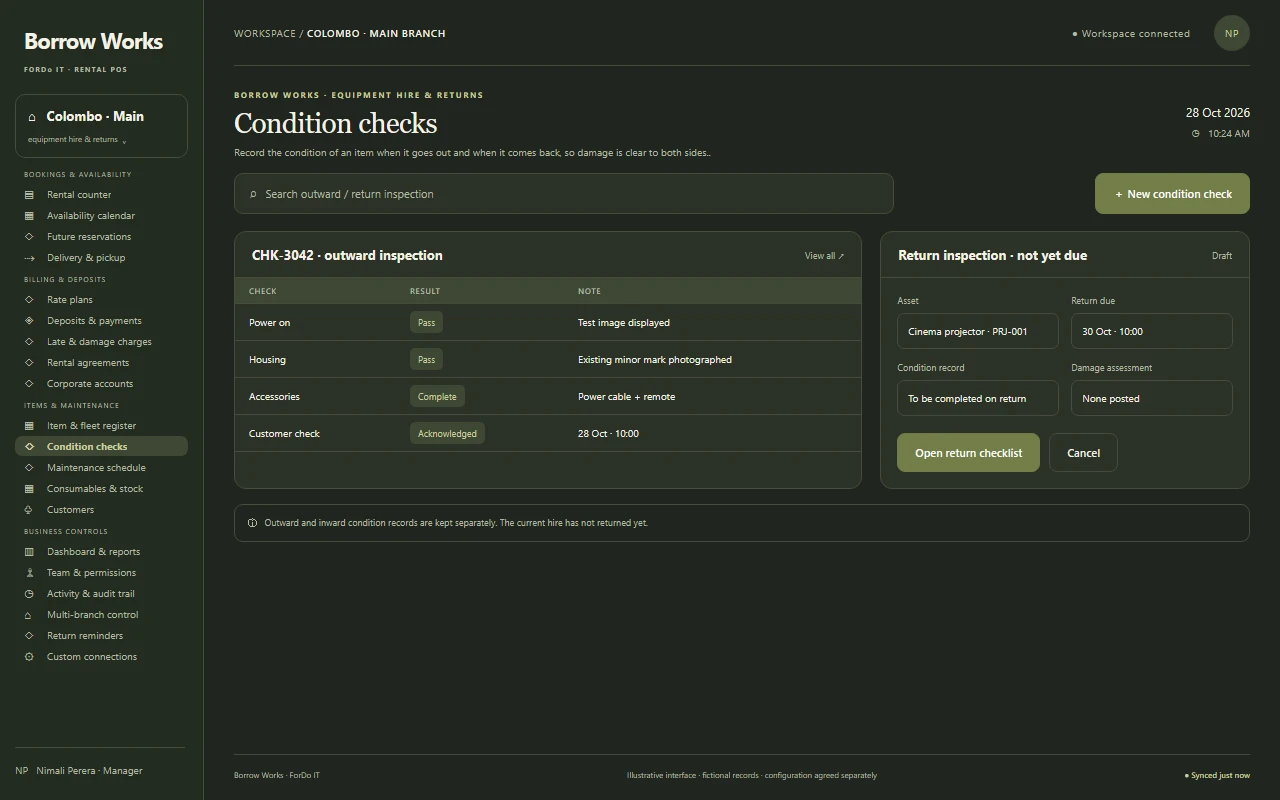
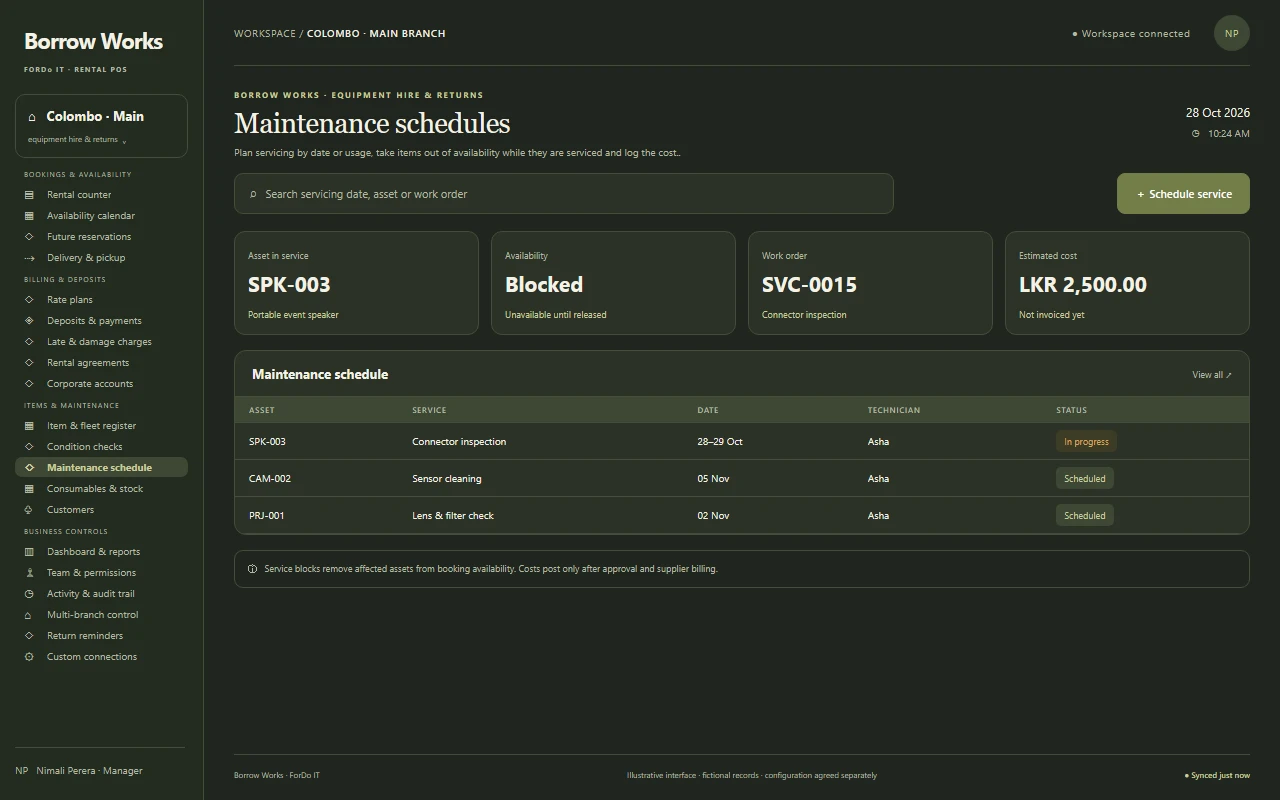
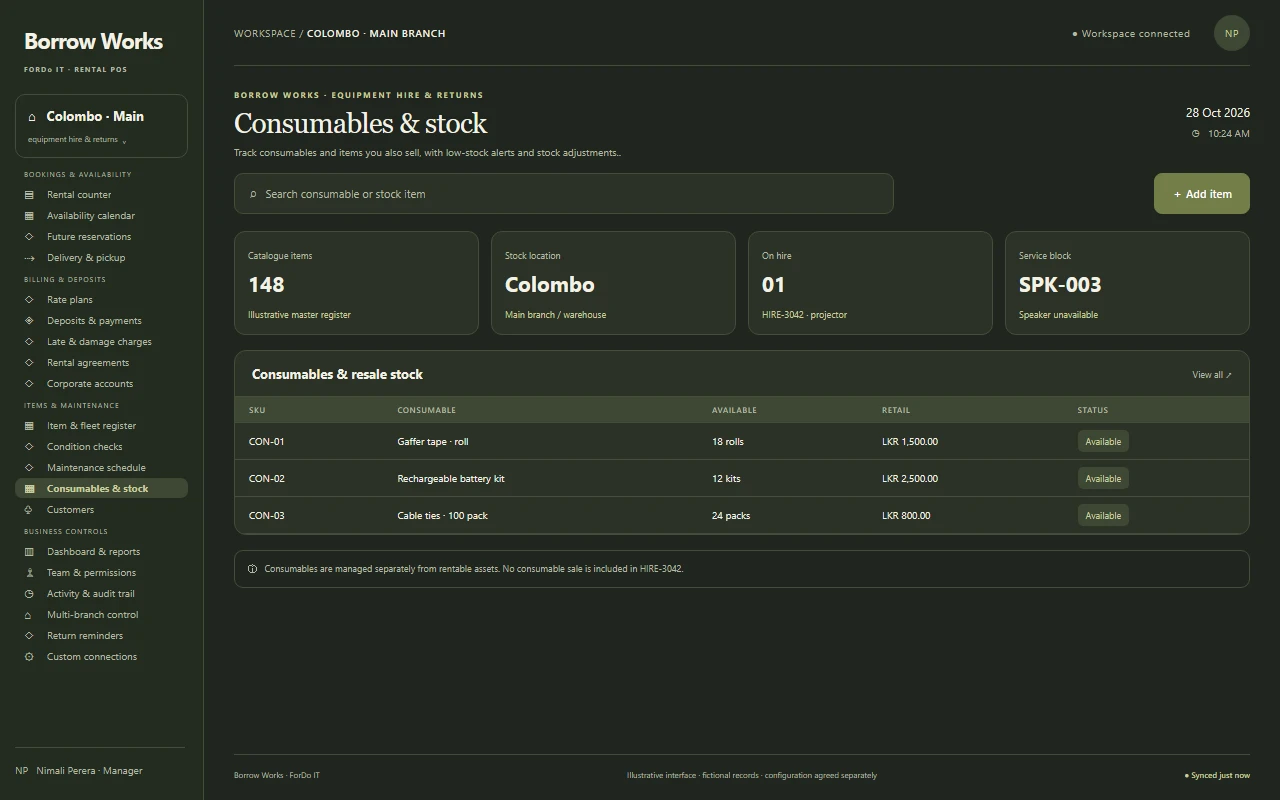
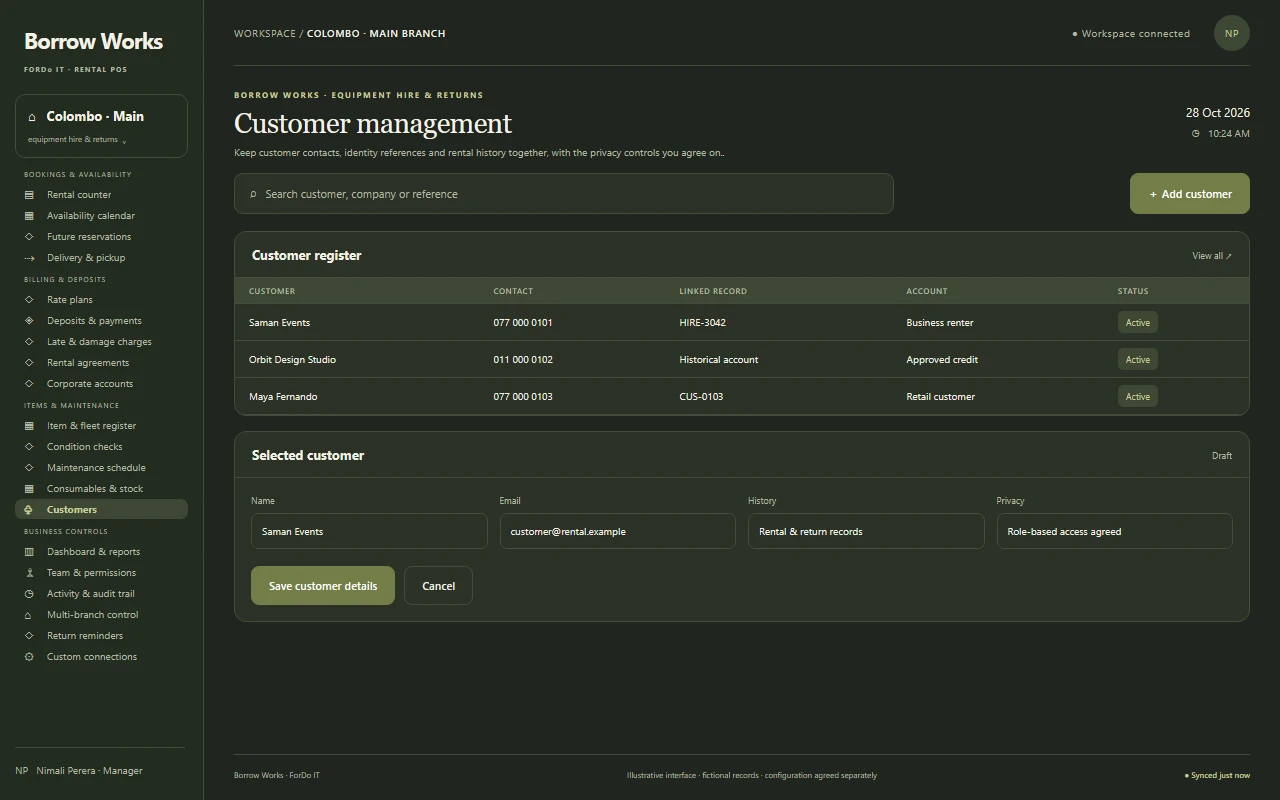
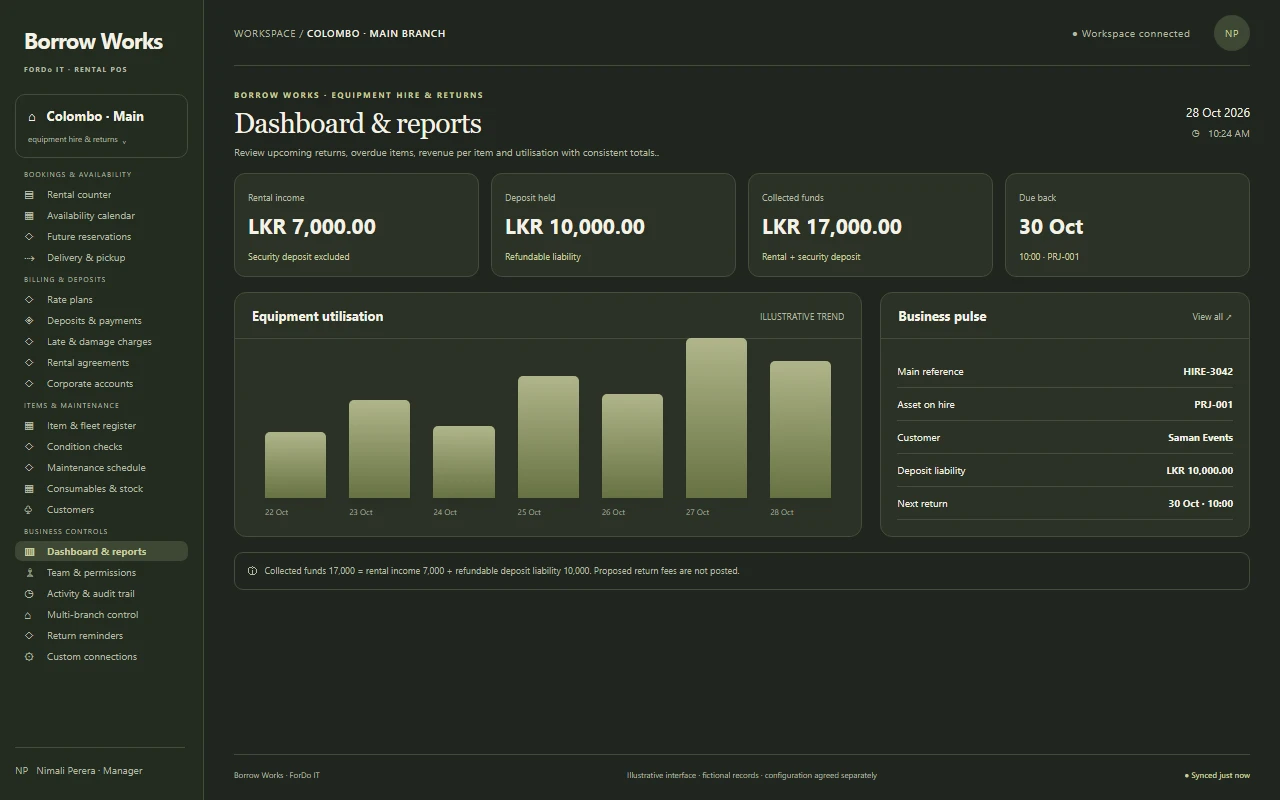
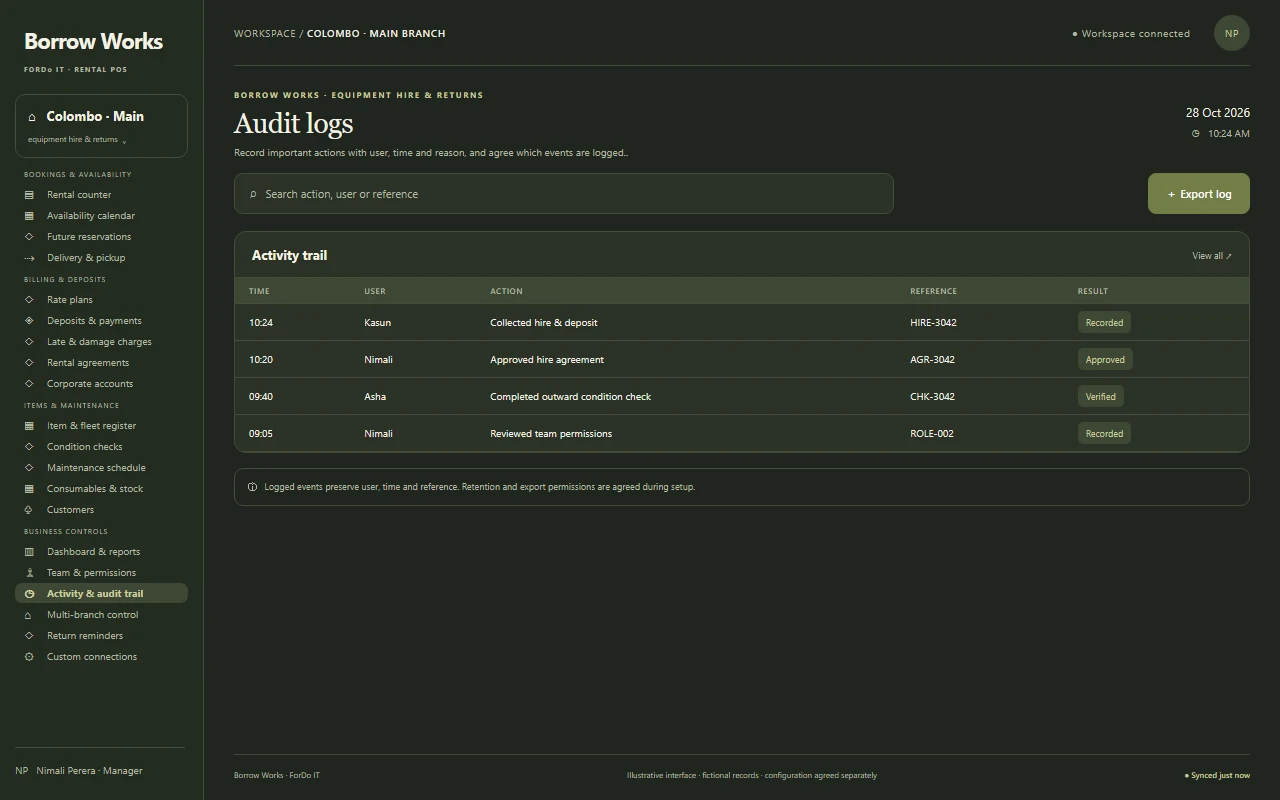
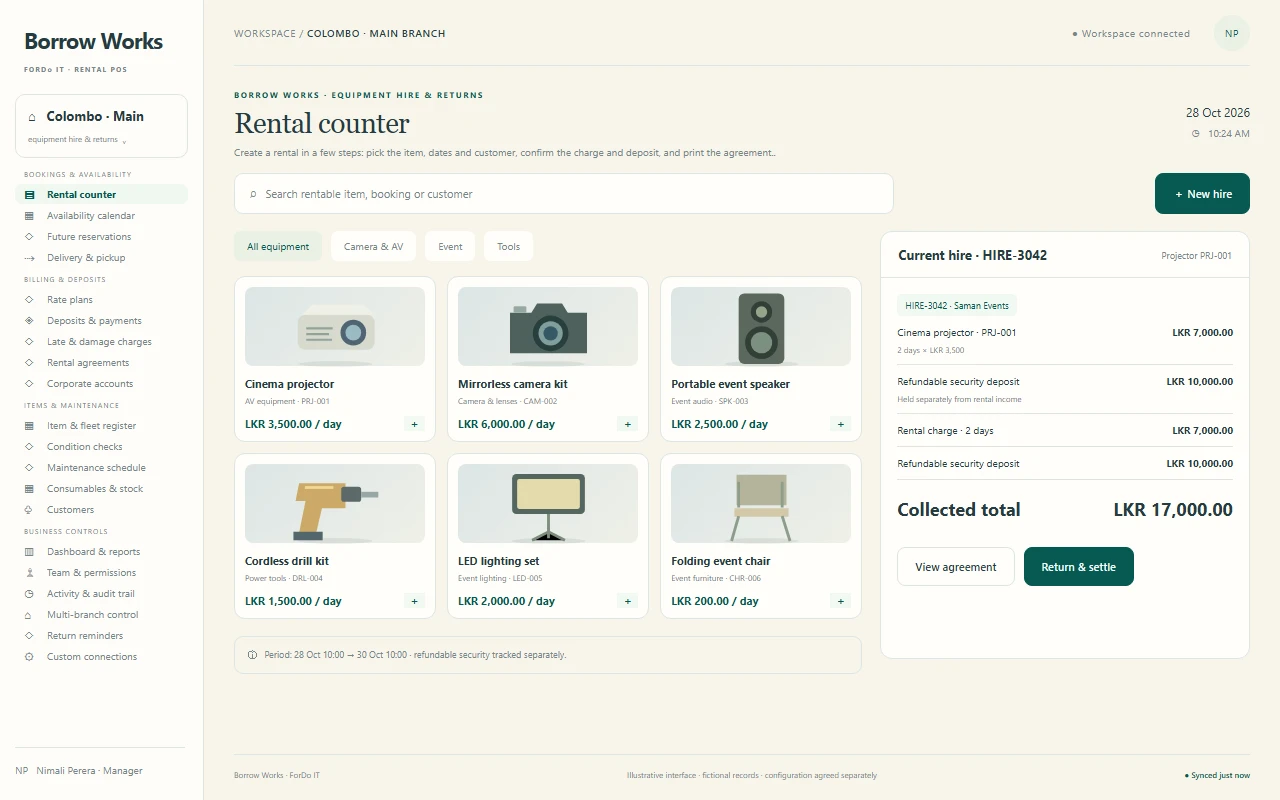
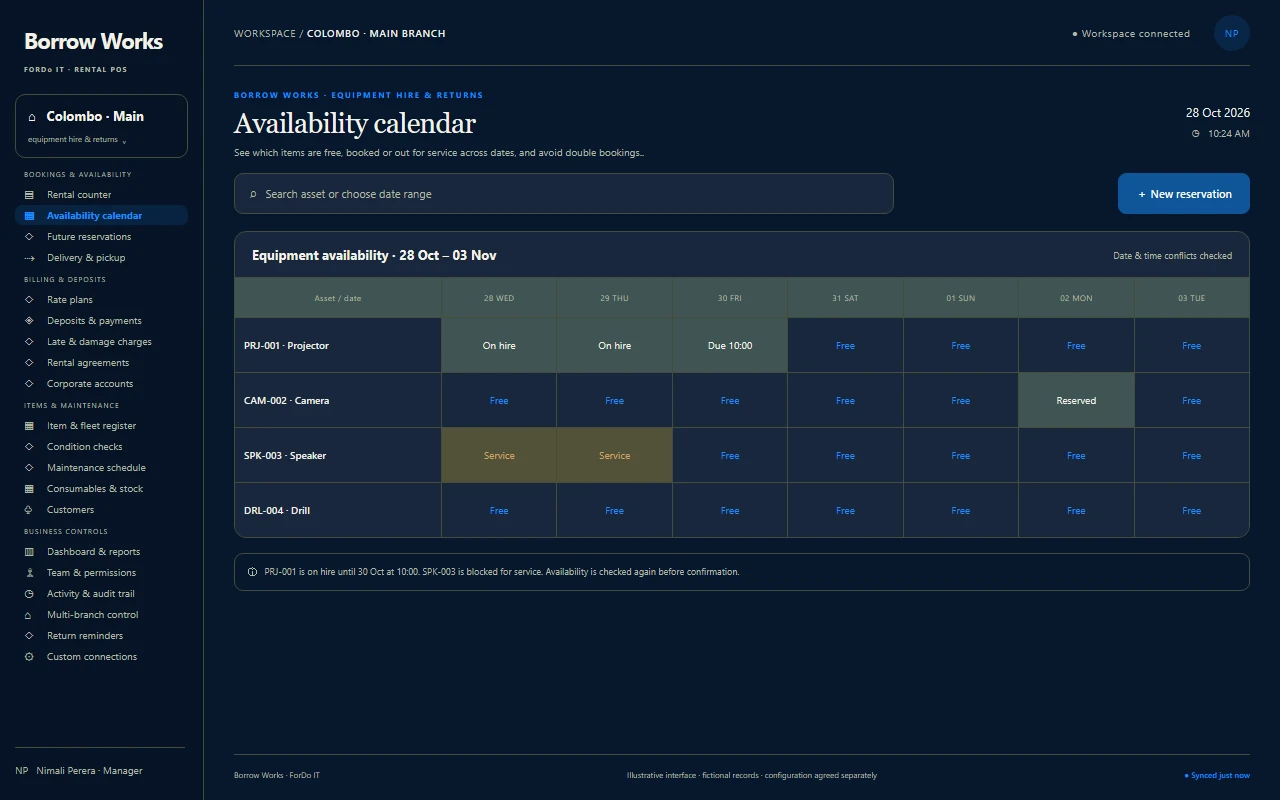
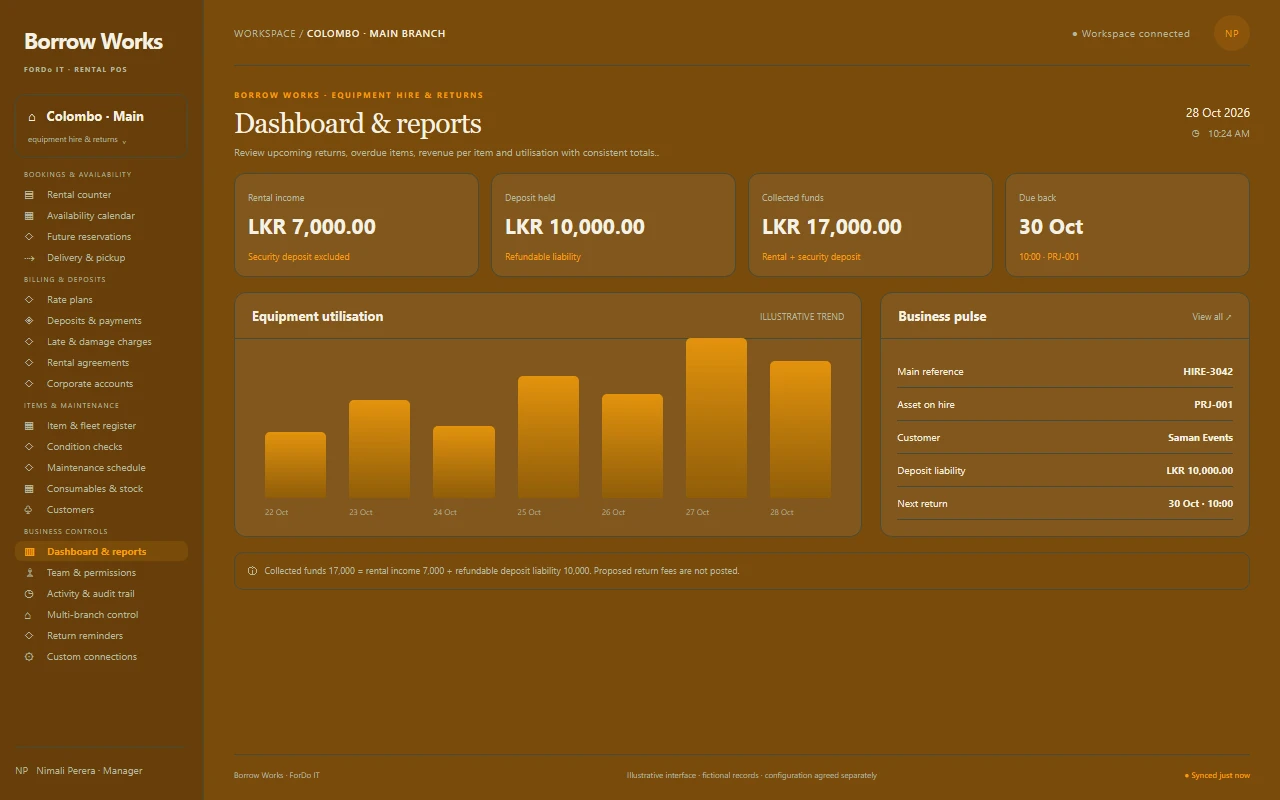
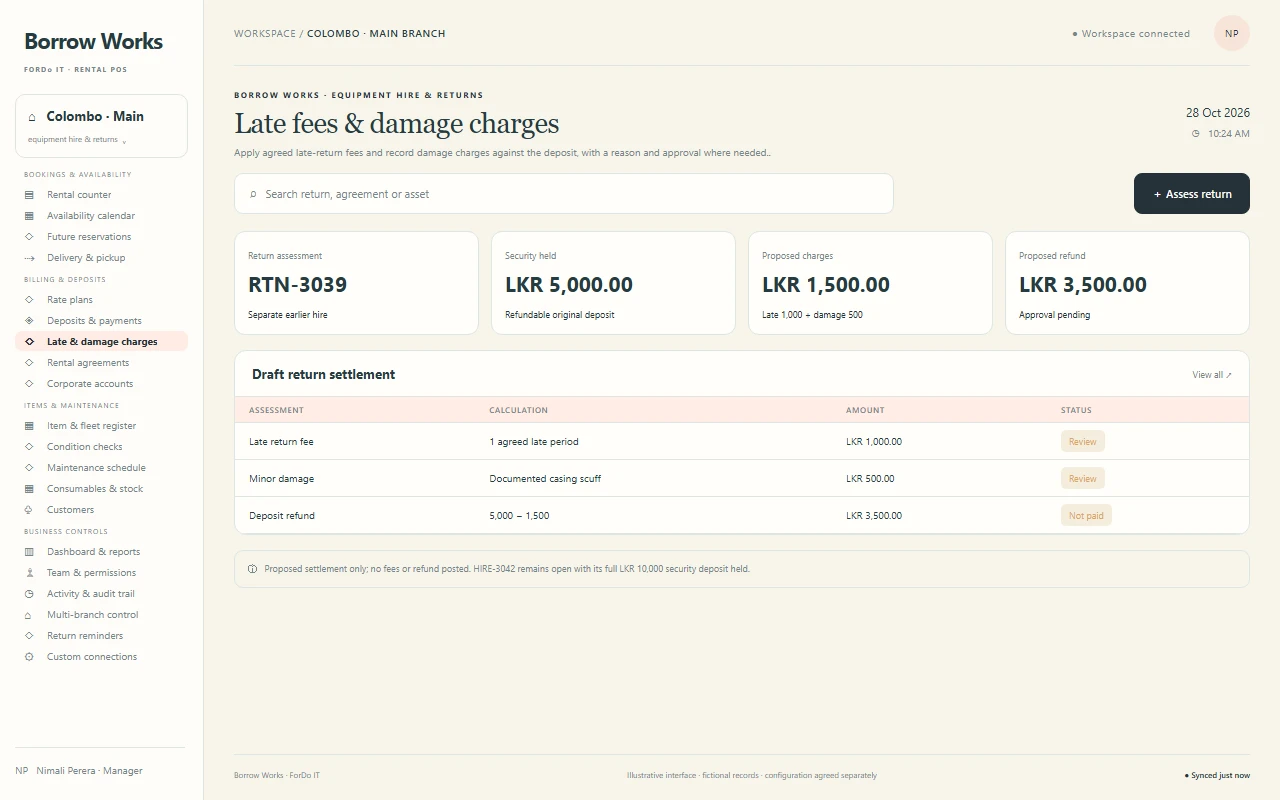
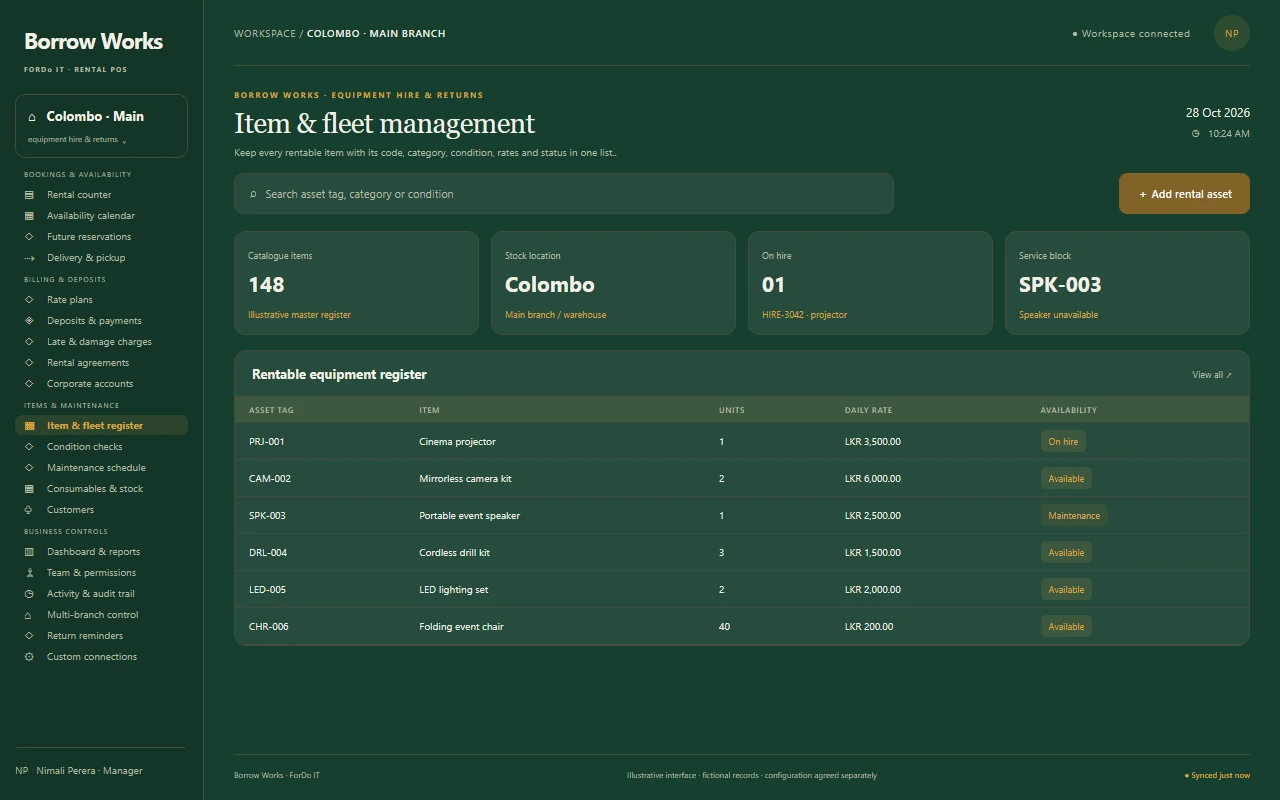
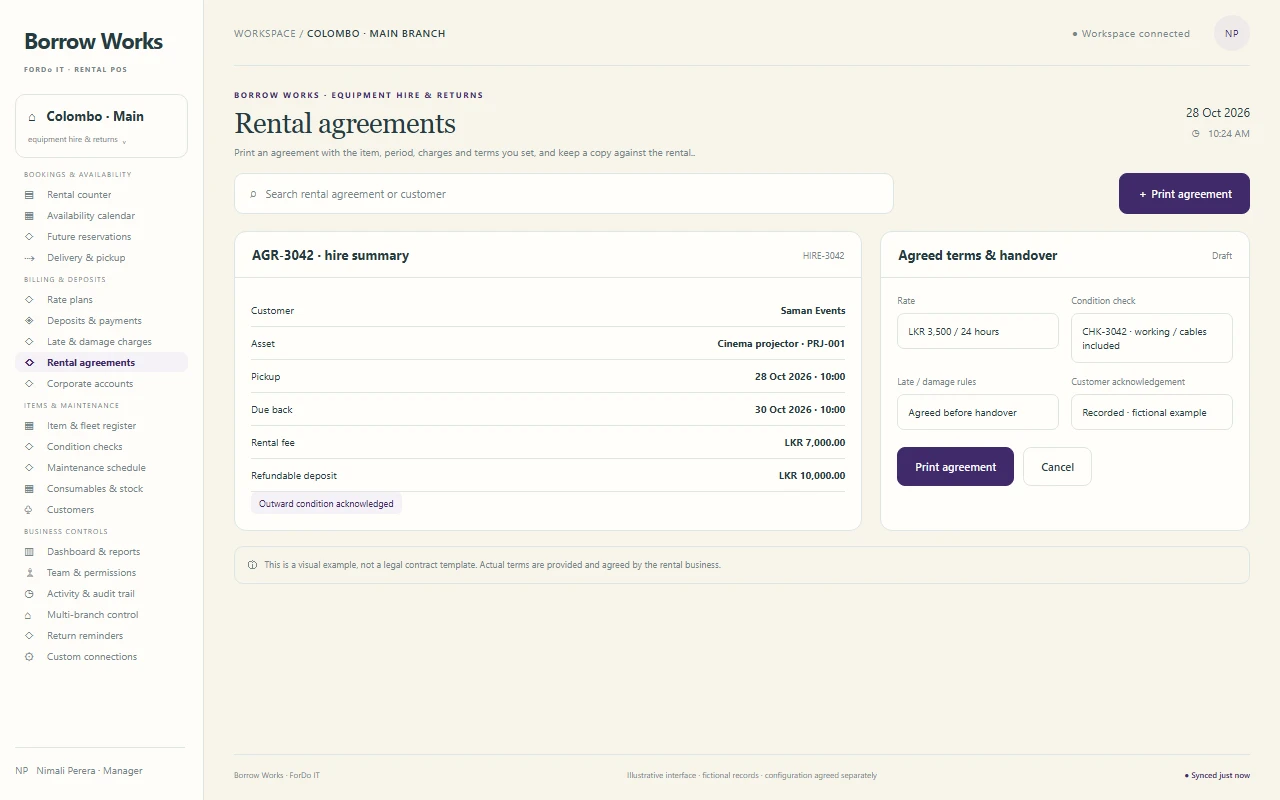
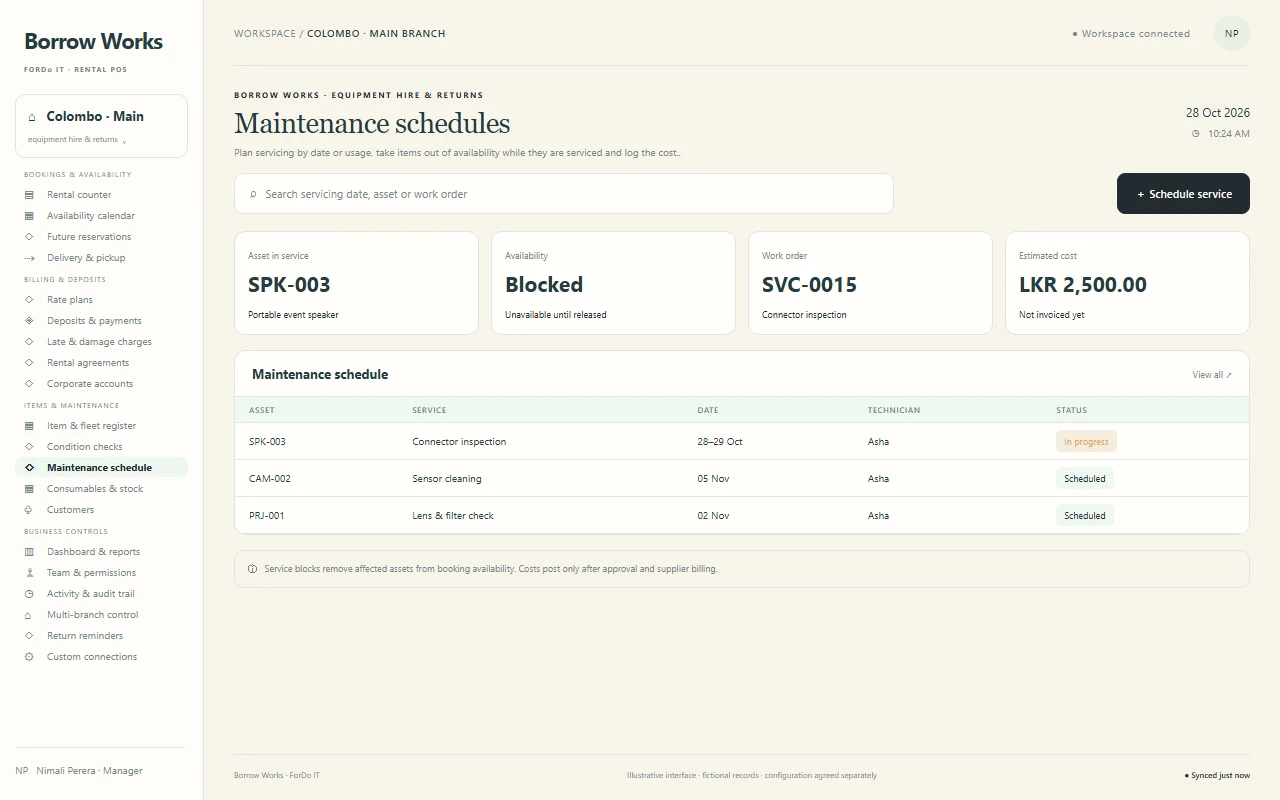
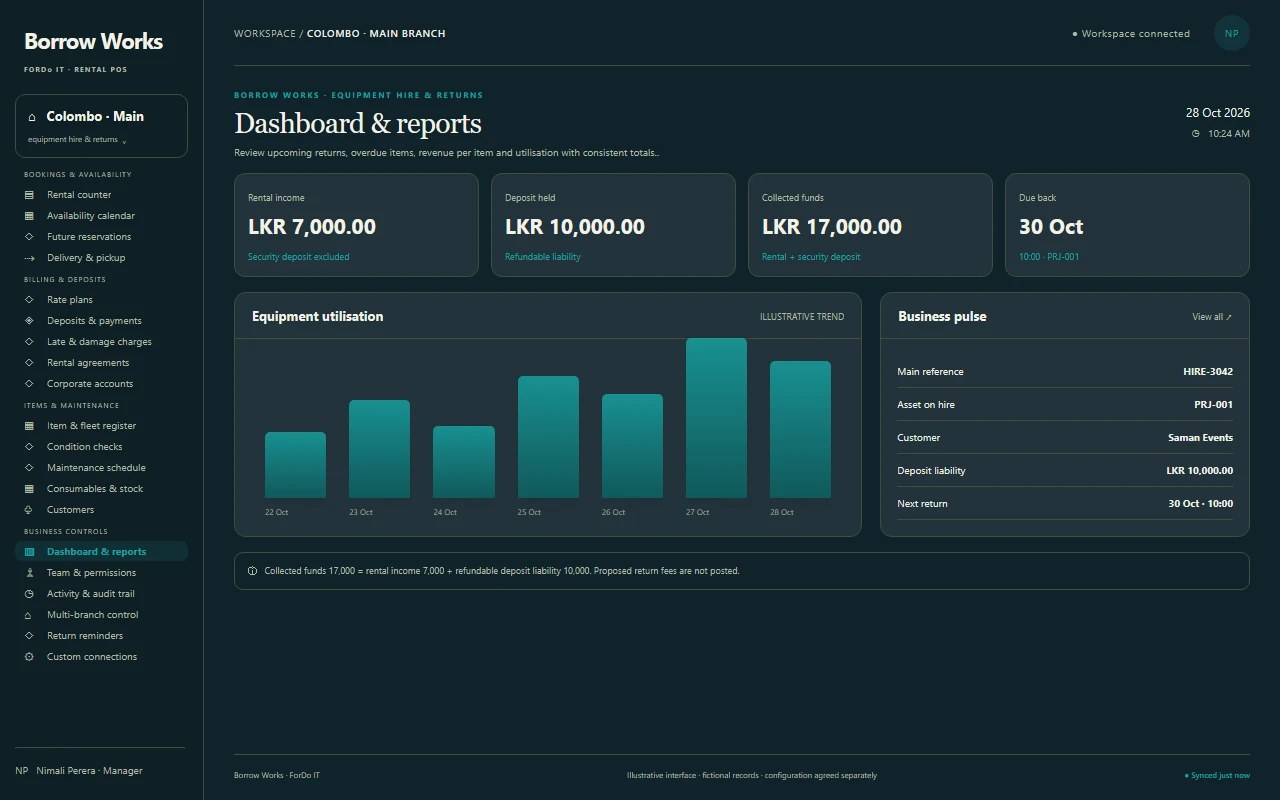
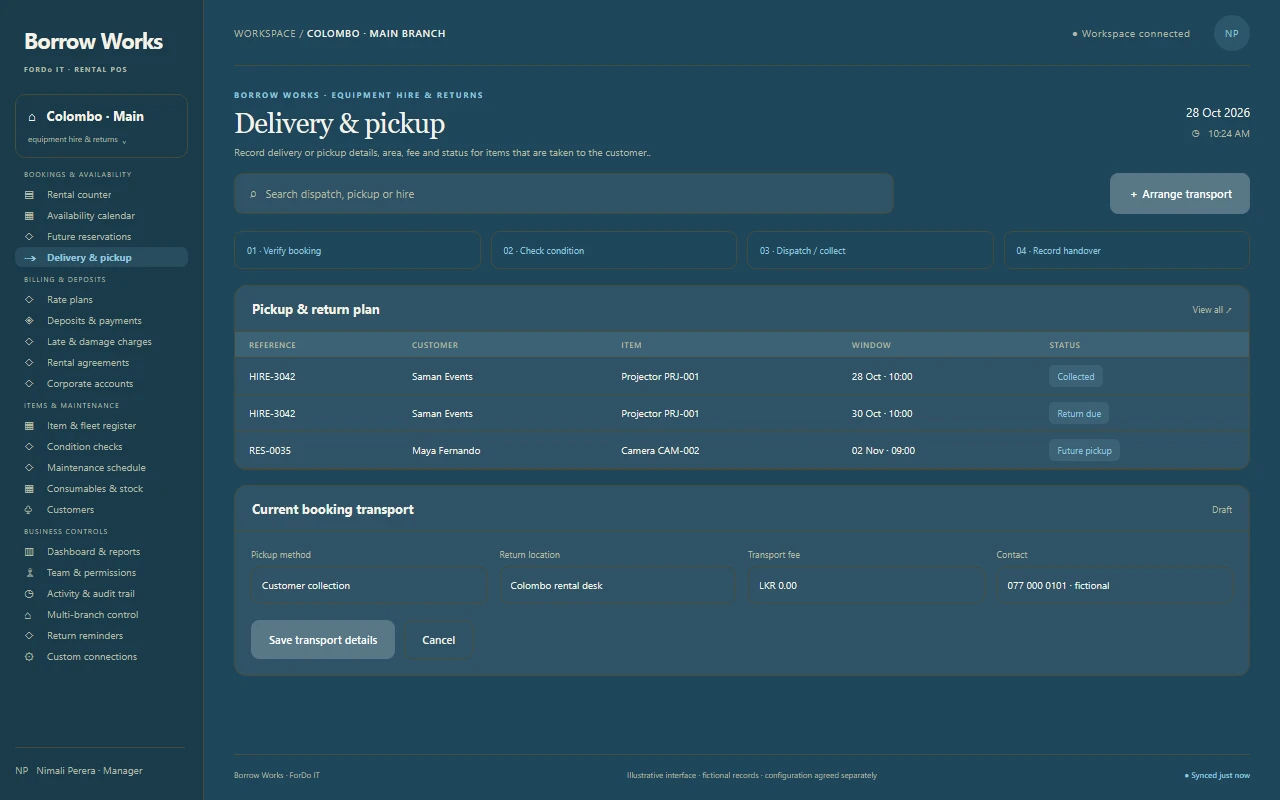
The same layout, features and familiar controls in both appearances. Use the buttons in the top-right corner of each preview to compare light and dark.
THE RENTAL DESK LIVE
BOOKING CONFIRMEDCinema projector28–30 Oct · PRJ-001 Return date recorded
ForDo IT · Rental business workspace
Illustrative interface — final configuration varies. Dark mode preview
A CONNECTED RENTAL BUSINESS
From the booking to the safe return.
Built for equipment, tool, costume, event, party and other item rental businesses.
ForDo IT is a software development company in Sri Lanka serving local and international businesses. Our rental POS offering joins bookings, availability, deposits, returns, maintenance and reporting into one scope built around how your rentals work.
Choose a focused starting point or plan a wider multi-branch rental solution. We confirm modules, hardware, deployment and integrations with you before delivery.
01
THE RIGHT ITEM, ON TIME
Your dates. Reserved.Availability checked first
282930
Book the item
Check availability, choose the dates and record the customer details.
02
CLEAR FROM THE START
Deposit protectedRental fee tracked separately
Take the deposit
Collect the agreed deposit and rental charge, and print the agreement.
03
RETURN WITH CONFIDENCE
Check, settle & refundCondition recorded both ways
Return and settle
Check the item, apply late or damage charges and refund the deposit.
04
READY FOR ANOTHER HIRE
Service completeBack in availability
Maintain and reuse
Schedule servicing and put the item back into availability.
A SCOPE THAT FITS
Start with the essentials. Build around your rental business.
Start with your daily bookings and returns, connect the extras you need, and shape the details around the way your rentals work.
01
CONFIGURABLE CORE
Run the rental counter
The everyday workflows that keep rentals organised.
Bookings & availability calendar
Deposits, payments & receipts
Returns, late fees & damage charges
Item and customer records
Confirm the exact feature set and permissions in your proposal.
02
OPTIONAL MODULES
Add the connections you need
Bring more of your operation into one connected flow.
Maintenance schedules
Delivery and pickup
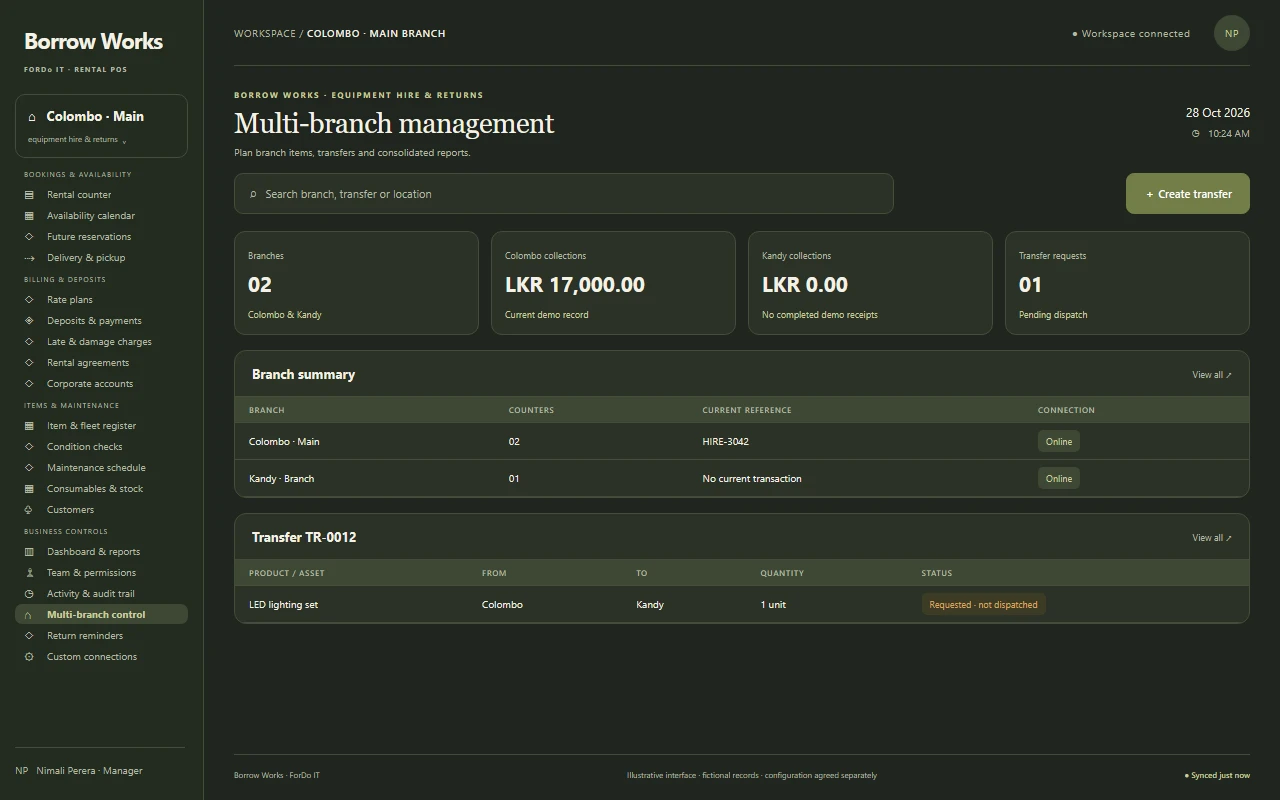
Multi-branch management
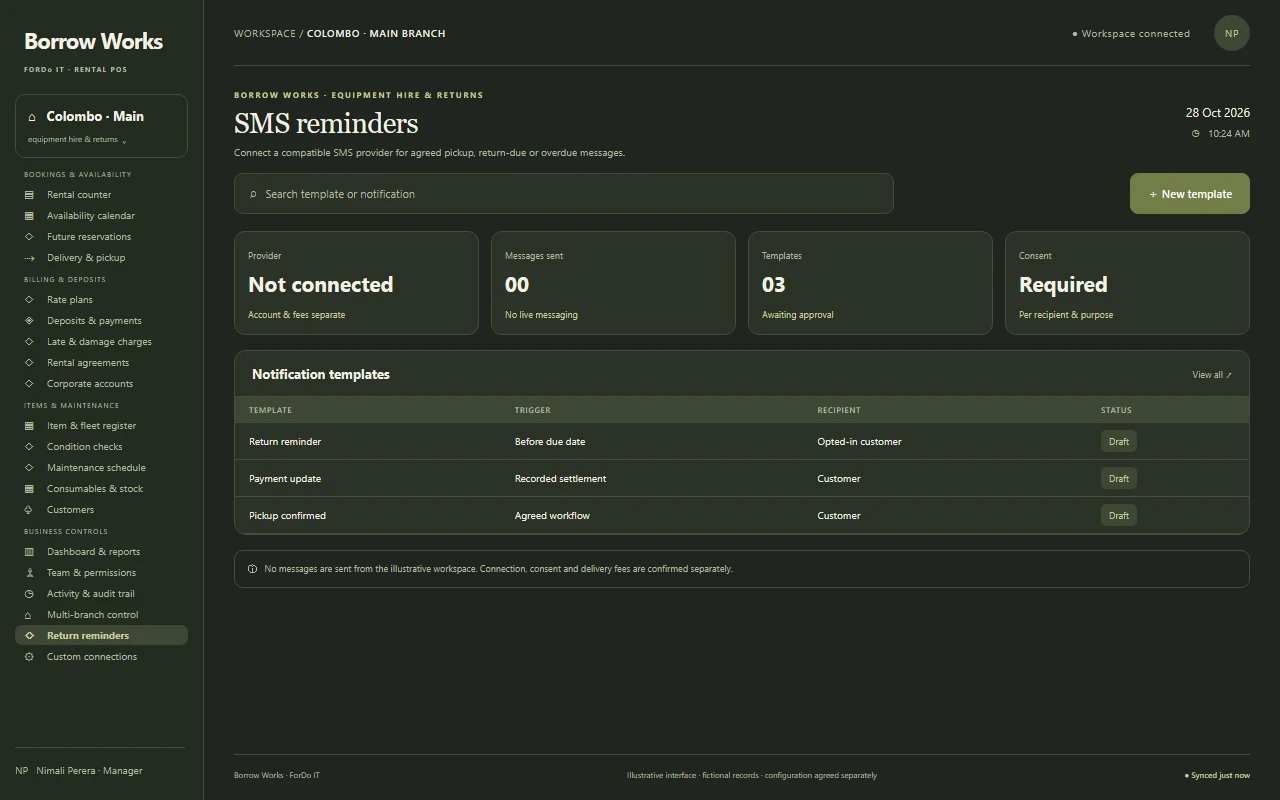
SMS reminders
Compatibility, provider costs and setup are assessed separately.
03
CUSTOM DEVELOPMENT
Make it work your way
Purpose-built details for the way your rentals run.
Custom rate rules
Package and bundle pricing
Custom reports
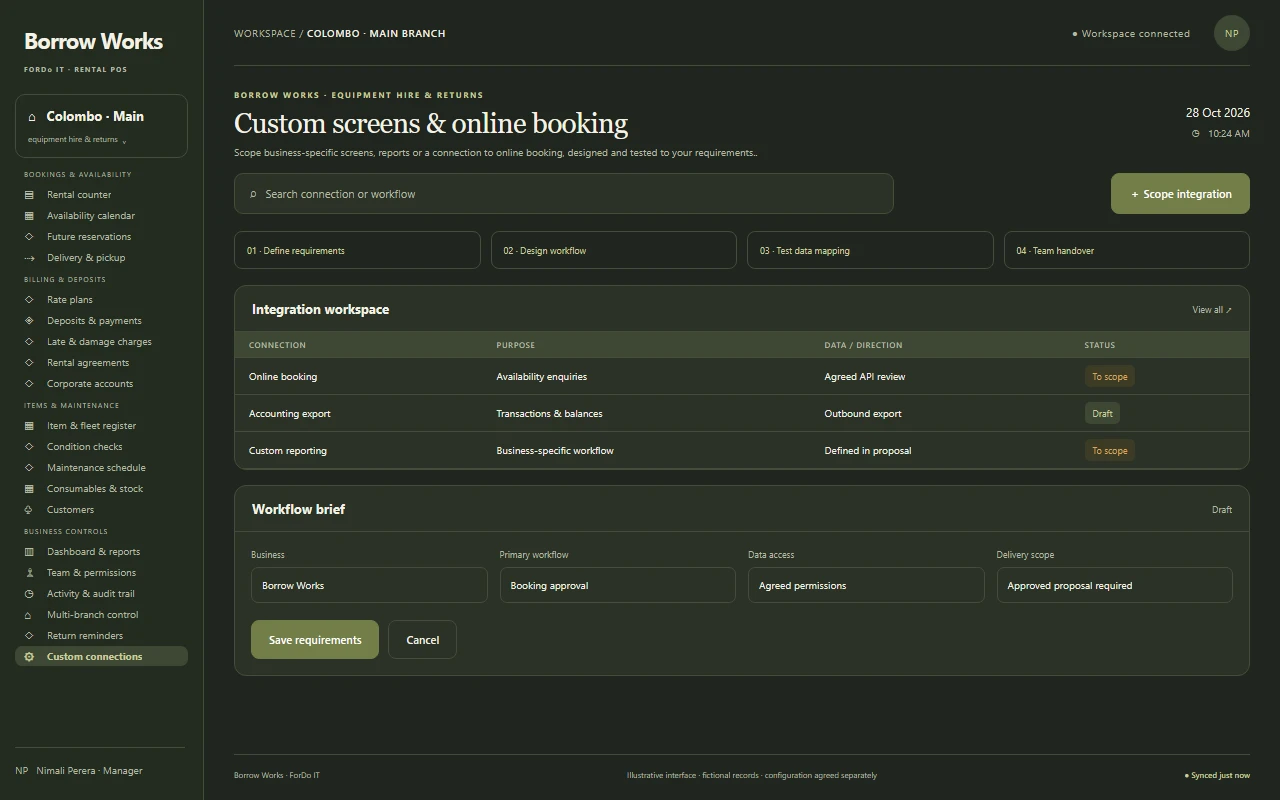
Online booking connection
Custom functionality is designed, agreed and tested to your requirements.
EXPLORE THE WORKSPACE
One workspace. Every part of the rental business.
Explore the rental workflows we can configure, from the booking counter to the return desk and the owner’s office.
Scope business-specific screens, reports or a connection to online booking, designed and tested to your requirements.
No matching modules. Try another name or category.
WORKSPACE PREVIEWChoose a module
Your workspace, up close.
Select a module to expand its interface and discover what it does.
Choose from the module library
YOUR SETUP, YOUR CHOICE
Cloud, desktop or both.
Choose around your internet reliability, number of counters and branches, and how your team works.
YOUR CONNECTED RENTAL DESK
Book
Confirm
Return
One workflow, connected from start to finish
Find a plan that fits your setup.View plans & pricing Compare published plans, then request a rental business-specific quote.
01 / CONNECTED ACCESS
Cloud-Based POS System
A hosted setup for connected access across agreed devices and branches. Discuss internet requirements, branch permissions and backup arrangements.
02 / LOCAL + CONNECTED
Desktop + Cloud POS
A local counter that keeps billing during connection problems, with agreed cloud synchronisation. Define when data syncs and how conflicts are handled.
03 / COUNTER-FOCUSED
Desktop POS System
A desktop-focused setup for your counters. Confirm compatible equipment, local access, backups and the recovery process during scoping.
Backup, offline and recovery behaviour are confirmed for your selected deployment.
DESIGNED AROUND YOUR TEAM
Your branding. Your workflow. Your way of working.
Make the workspace feel like your rental business. Discuss your brand, your team’s roles and the way you serve your customers.
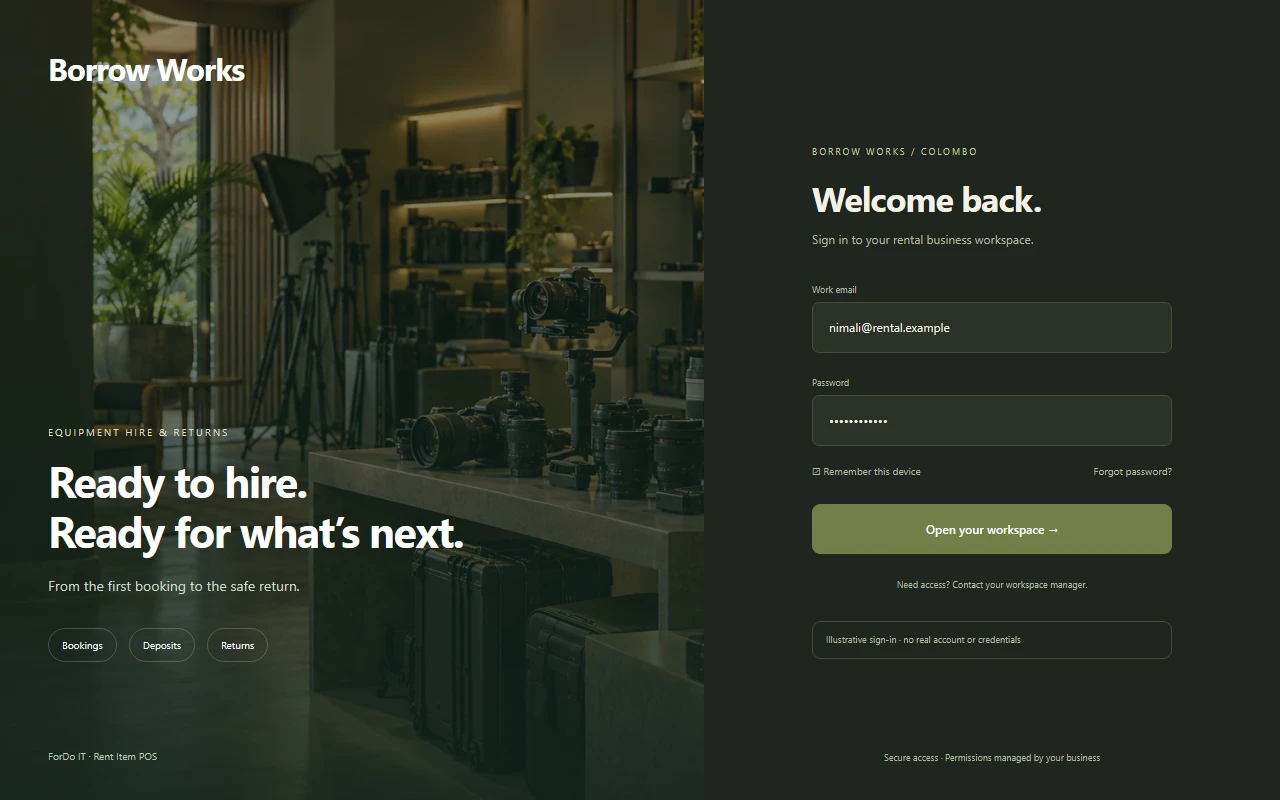
YOUR WORKSPACE, YOUR IDENTITYSign-in preview
Try the light & dark previewsIllustrative interface · final appearance and device support are agreed for your project.
CUSTOMISATION OPTIONS
A look that feels like you
Brand colours, receipt identity and light or dark interface preferences.
A flow that fits your team
Booking states, approvals, deposit rules and actions matched to staff roles.
The right view on each device
Responsive layouts for compatible counter equipment and mobile devices.
Connections that make sense
Business-specific screens and scoped integrations with your existing systems.
CHOOSE A LOOK. MAKE IT YOURS.
Your rental business. Your kind of interface.
Start with a design you love. Shape the colours, fonts, layout and everyday workflows around your brand and your team.
Use the arrows to pause on a design. View design opens the full image in a new tab.
BUILT FOR YOUR KIND OF RENTAL
From small hire shop to multi-branch fleet.
The same rental POS can be scoped for different rental businesses. Tell us what you rent and we shape the setup around it.
01
Equipment & tool hire
Short and long hires with deposits, condition checks, late fees and servicing records, kept simple for a small counter.
02
Event, party & costume rental
Advance bookings for event dates, advance payments, delivery and pickup, and fast turnaround between bookings.
03
Multi-branch rental business
OPTIONAL
Branch items and transfers, consolidated reports and rate rules, scoped around your branches and connectivity.
FROM SCOPING TO SERVICE
A practical plan for going live.
Support beyond setup
ForDo IT offers 24/7 support availability. Contact channels, coverage and escalation are agreed with you; no response-time guarantee or contractual SLA is implied.
Understand your rentals
Map items, rates, branches, deposits, returns, hardware and essential reports.
Agree and configure the scope
Separate core workflows, optional modules and custom work. Confirm deployment, data handling and commercial terms.
Import, train and pilot
Import items and rates, test bookings and returns, and walk staff through their roles before a wider rollout.
Support and improve
Review day-to-day use, plan updates and agree on future changes as the business grows.
ISLANDWIDE COVERAGELK / SRI LANKA
N
25districts. One connected island.
Explore your district
Islandwide POS coverage
Serving All Of Sri Lanka
Find POS Systems In Your District
Your business. Your district. A POS system built around you. Explore our islandwide service locations.
A rental POS system is the software and counter hardware a hire business uses to take bookings, check availability, collect deposits, process returns and charge late or damage fees. It adds dates, deposits and return handling to the standard billing screen.
Can it stop double bookings?
Yes. The availability calendar shows which items are free, booked or in service for the dates you choose, so a booked item is not rented again. The exact rules are agreed during scoping.
Can I take deposits and refund them on return?
Yes. Deposits and advances can be collected and recorded, and refunded or applied against late and damage charges when the item comes back. Approval rules are agreed for your business.
Can it calculate late fees automatically?
Late-return fees can be configured from the rates and grace periods you agree. Staff can review and, where permitted, adjust a fee with a recorded reason.
Can I price by the hour, day or week?
Rate plans can be set per item by hour, day, week or event, with minimum periods and discounts. Unusual pricing rules can be scoped as custom development.
Does it help with maintenance?
Maintenance schedules are an optional module. Items can be taken out of availability while serviced, and servicing costs recorded against them.
Can I run several branches?
Multi-branch management is an optional scope choice. Discuss branch items, transfers, permissions and consolidated reporting, plus the internet connection each branch will have.
Which deployment options are available?
Cloud-Based POS System, Desktop + Cloud POS and Desktop POS System are the options to discuss. The right choice depends on your internet reliability, number of counters and branches.
Can customers book online?
Connecting online booking to the POS is custom development. Scope, platforms and costs are assessed separately, and nothing is promised until the connection is agreed.
Can ForDo IT supply the POS hardware?
ForDo IT can discuss supplying and configuring compatible counter terminals, receipt and label printers, barcode scanners and cash drawers. Availability and prices depend on your requirements; see our hardware page for guidance.
Where can I check rental POS prices?
Use our pricing page for the published POS plans, then request a quote for your business. The final price depends on the number of counters, branches, optional modules and hardware.
Do you serve businesses outside Colombo?
Yes. ForDo IT works with rental businesses across Sri Lanka and with international businesses. Setup, training and support arrangements are agreed for your location.
What support can I arrange?
ForDo IT offers 24/7 support availability. Contact channels, coverage and escalation are agreed during scoping, and no response-time guarantee or contractual SLA is implied.